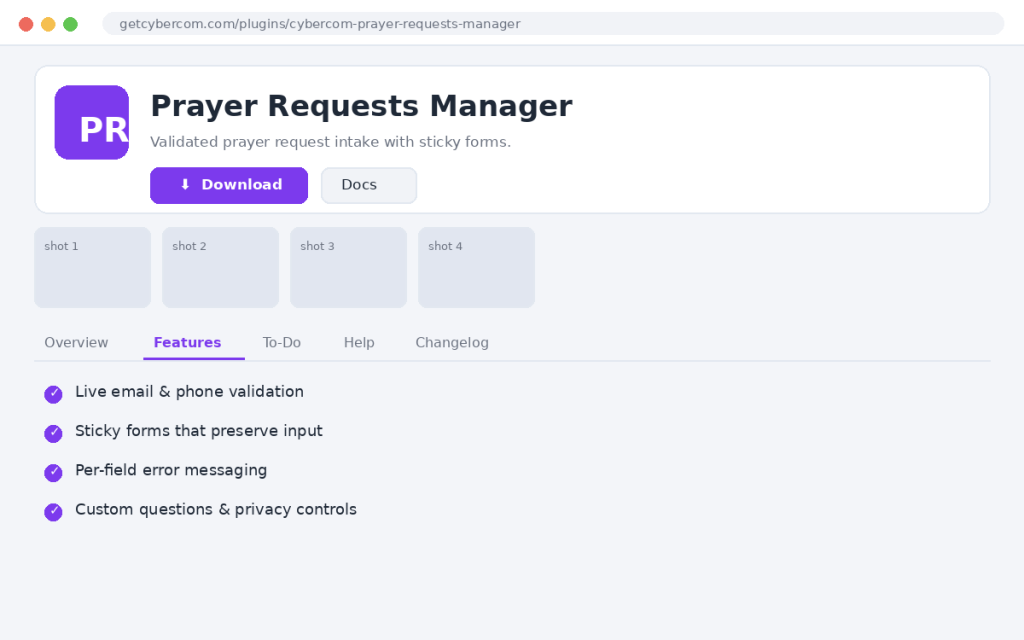
Cybercom Prayer Requests Manager gives your congregation a friendly, well-validated way to submit prayer requests. It checks email and phone formats on both sides, preserves everything a visitor typed if something is wrong, and reports each problem field clearly.
- Live email validation with clear messaging
- Optional phone validation with auto-formatting
- Per-field error highlighting and a summary
- Sticky forms that preserve all input on error
- Sensible length limits to block junk
- Required-field, permission and custom-question checks
- x Two-sided email & phone validation
- x Sticky form via server-side transient
- x Per-field error messages
- o Optional reCAPTCHA / honeypot toggle
- o Email notifications to a prayer team
- o Export requests to CSV
How does phone formatting work?
US 10-digit numbers become (555) 123-4567 and 11-digit become +1 (555) 123-4567; international numbers are left as typed. Formatting runs on blur and again on save.
What happens if a submission has errors?
Each invalid field is highlighted with a specific message and a summary appears at the top. Everything the visitor typed is preserved so they don't start over.
How long are requests stored before submit?
Sticky values are stored briefly server-side via a transient, so URLs stay short.
- 1.11.0 – Full two-sided validation, sticky forms, per-field errors and length limits
- 1.10.0 – Custom questions and privacy controls
- 1.9.0 – Phone auto-formatting